

Christmas markets, open studios and seasonal commissions give Bristol artists and makers plenty to prepare for. Your website deserves a place on that list too.
Someone who discovers your work at a market or exhibition may look you up later to buy a print, book a workshop or ask about a commission. Your website should help them find the piece they remember and understand what to do next.
These seven checks will help you prepare.
1 Show what is available now
Review your homepage, portfolio and shop. Give visitors a clear route to work they can buy, commissions you are accepting and workshops they can book.
You can keep sold pieces in your portfolio, but label them clearly. If similar work is available, include a link so visitors have somewhere useful to go.
2 Explain how to buy or commission your work
Look at your website through the eyes of someone discovering you for the first time. Can they see the price, size, materials and whether framing is included?
If you take commissions, explain how to start the conversation, what information you need and your usual timescale. A clear button such as “Enquire about a commission” helps visitors take the next step.
You can do this without an online shop. A straightforward enquiry process can work well for bespoke pieces.
3 Make Christmas deadlines easy to find
If you offer Christmas delivery, set out your last order dates clearly. Allow time for making, packing and dispatch, using your delivery provider’s current guidance.
Distinguish between ready-to-send items and work made to order. If you offer local collection, explain how customers arrange it and when it is available.
Update these details when your order book fills up so visitors know what you can still provide.
4 Try everything on your phone
Open your website on a phone and follow the same journey as a customer. Browse your work, open the menu, read a product description and try the enquiry form.
Check that text is comfortable to read, buttons are easy to tap and important information is visible without awkward scrolling. Look out for pop-ups that cover the screen or images that crop out part of the artwork.
5 Check your images
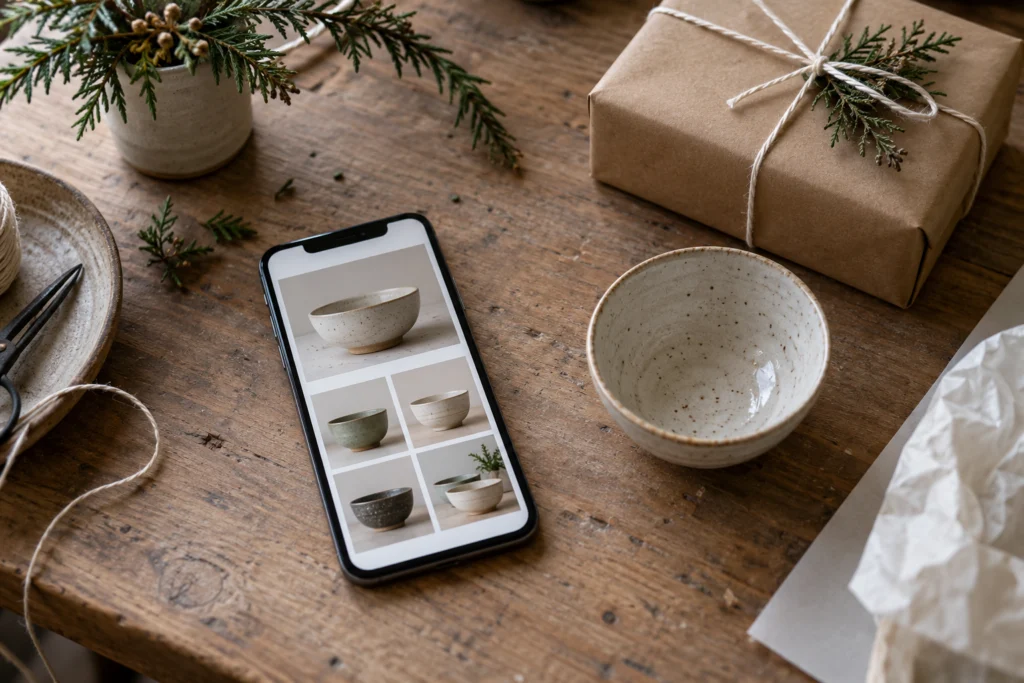
Your photographs should show the colour, texture and detail of your work clearly. Include a wider view for scale where that would help a buyer.
Resize and compress website copies of large original photographs, then check that they still look sharp. Keep the originals separately.
Add useful descriptions alongside images and descriptive alternative text where appropriate, so the work is easier to understand for visitors using screen readers.
6 Refresh exhibitions and workshop details
Check that upcoming listings show the correct date, venue, opening times and booking link. For workshops, explain what is included and whether beginners are welcome.
Move past events into an archive or mark them as finished. If you are appearing at a Christmas market, link directly to the relevant collection or page from your event listing.
7 Test enquiries and orders
Send yourself a message through your contact form and confirm that it arrives. Check the confirmation shown to the sender and any automatic reply.
If you sell online, use your shop’s test facilities to check the checkout, delivery options and order emails. Make sure customers can see the full cost before committing to a purchase.
Start with the route that matters most to your business, whether that is buying a piece, booking a place or making an enquiry. Follow it from beginning to end and fix anything that leaves you wondering what happens next.
Ben Smith runs Ben Smith Web Design, helping businesses and creatives in Bristol with website design and ongoing support.